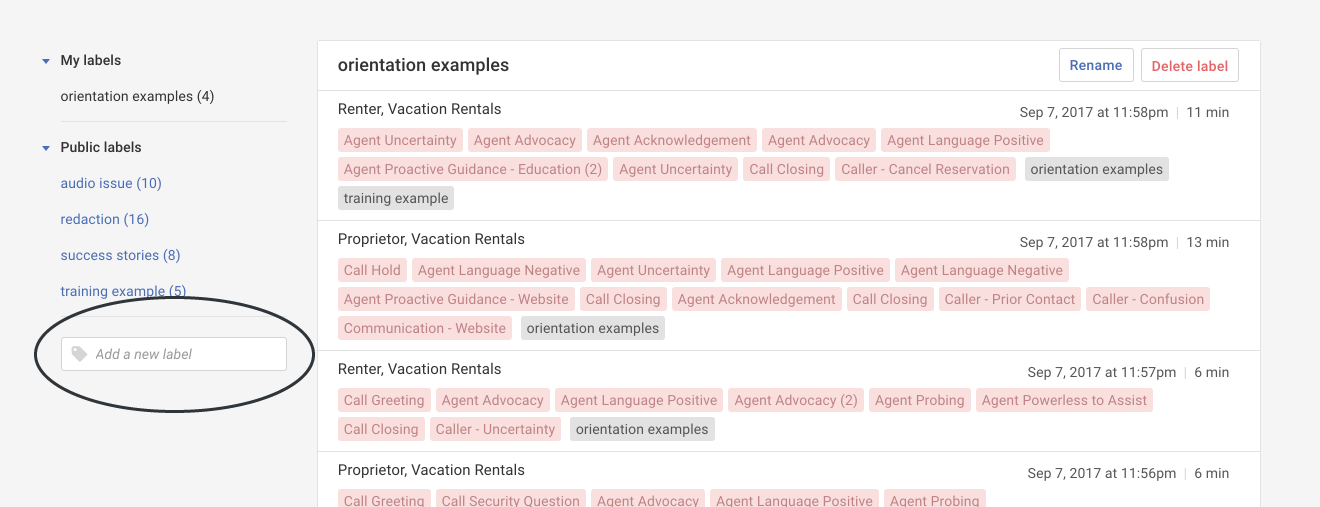
Adding a new label
Overview:
Add a new private or public label.
Getting started: If you’re not already viewing your labels, first click on the Labels tab.
Add a label:
- Click in the Add a new label box.
- In the pop-up, do the following:
a) Type your new label name (for example, "orientation examples").
b) Decide if it's a private label only you can see or a public label anyone can use.
c) Click the Add button to create the new label.Tip: You may also add a new label in a call.