Removing a label from an interaction
Remove a label from an interaction.
Getting started: If you’re not already viewing an interaction, first click on the interaction in Search & browse or one of your Reports.
Remove a label from an interaction:
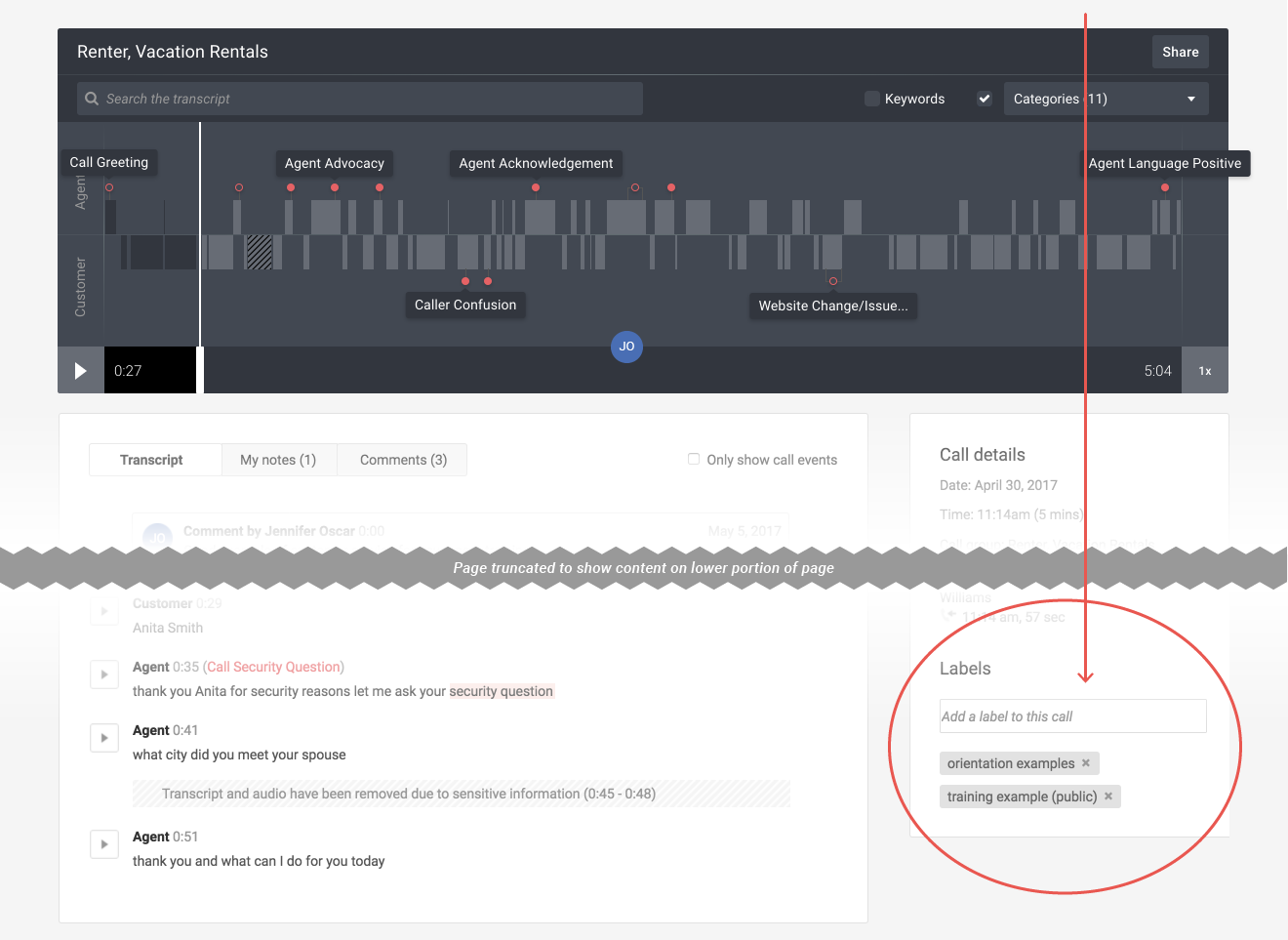
- While viewing an interaction, scroll down the page to the Labels area.
- Click on the x in the gray label box to remove it from the interaction.
Note: This action does not delete the label. You can find the label later by clicking on the Labels tab at the top of the Creovai window.