
Subscribing to an interaction's comment thread
Get email notifications whenever new comments are added to a specific interaction.
Getting started: If you’re not already viewing an interaction, first click on the interaction in Search & browse or from one of your Reports.
Subscribe to a comments thread:
Click on the Comments tab and then click the Subscribe link. You'll now receive email notifications whenever a comment is added to the interaction.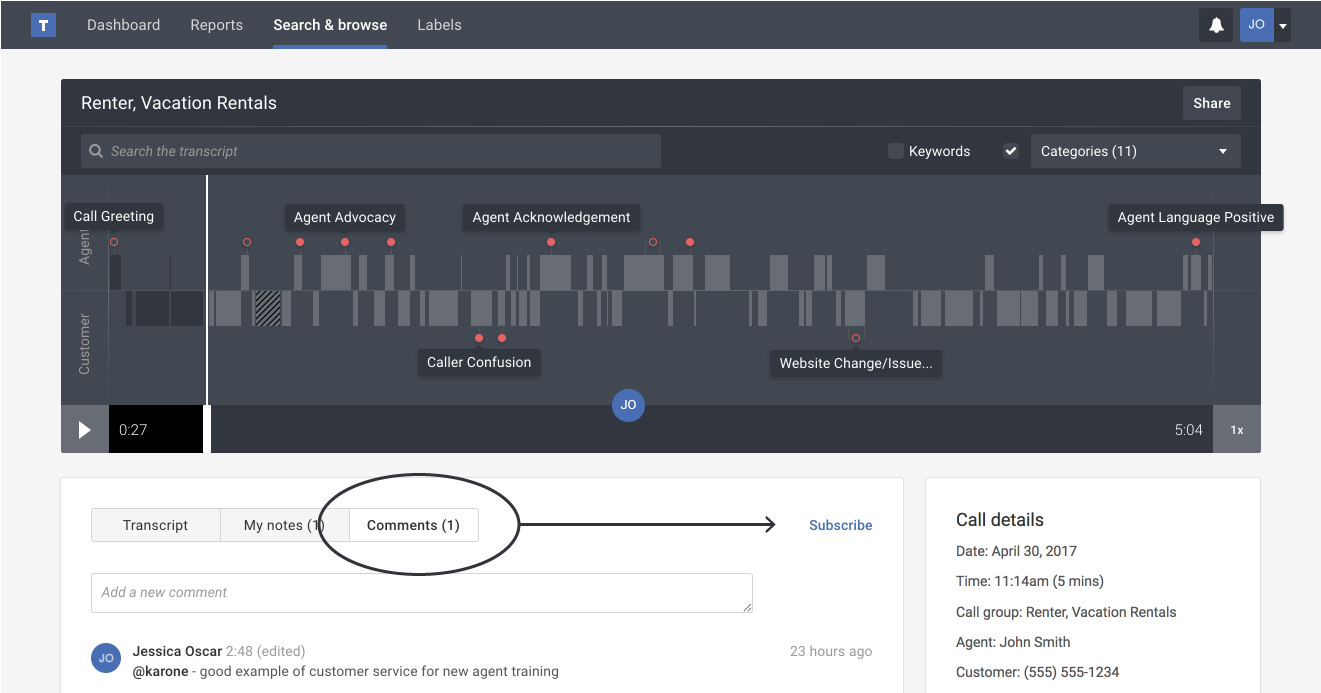
Tip: Once you subscribe to the comments thread, the link text changes to Unsubscribe. You can click the link again at any time to stop receiving comment thread notifications.