Deleting a distribution list
Overview:
Delete an existing distribution list.
Delete a distribution list:
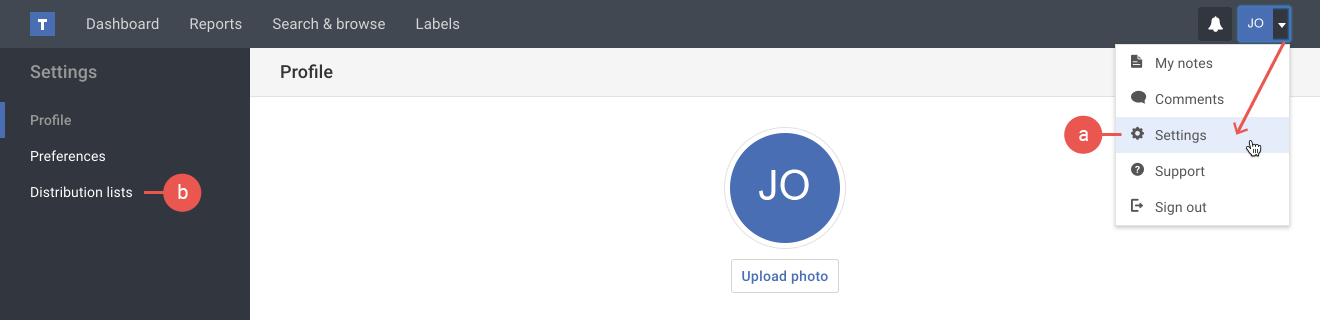
- If you're not already viewing the distribution list page, do the following:
a) Click the Settings option in your user menu.
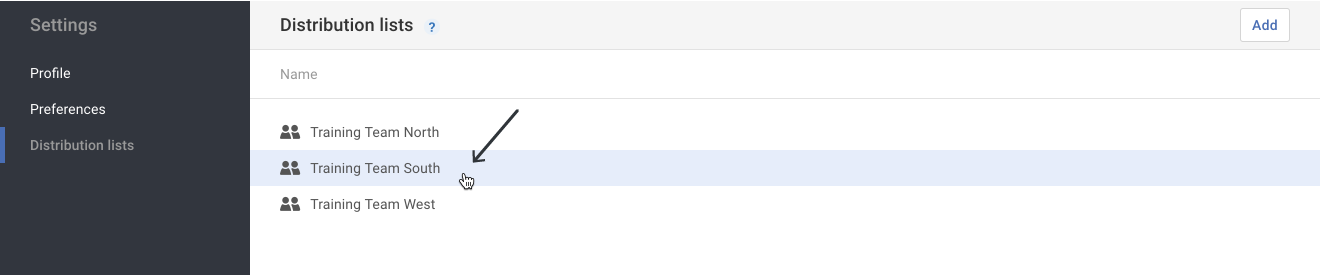
b) Click the Distribution lists option in the Settings menu on the left. - Click on the Distribution list that needs to be deleted.
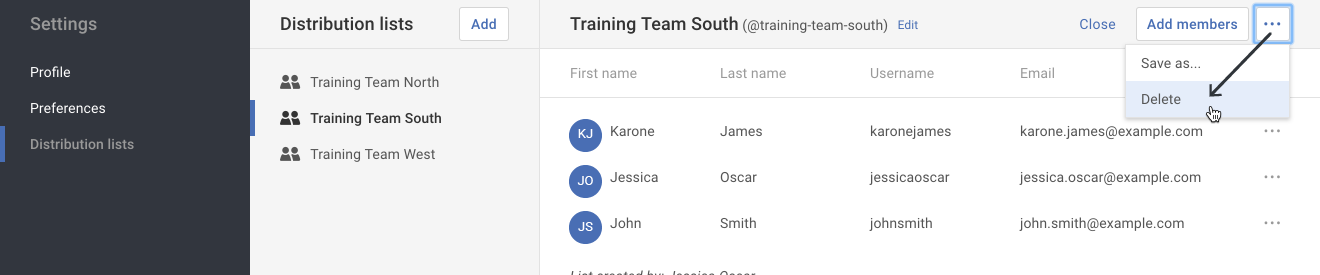
- Click on the More actions ( ••• ) button in the upper right-hand corner. Select the Delete option in the drop-down menu.
- A pop-up appears to confirm that you want to delete the distribution list. Click the Delete button to confirm the deletion.
Please be aware that deleting a distribution list cannot be undone.