Renaming a dashboard
Overview:
Rename an existing dashboard.
Rename a new dashboard:
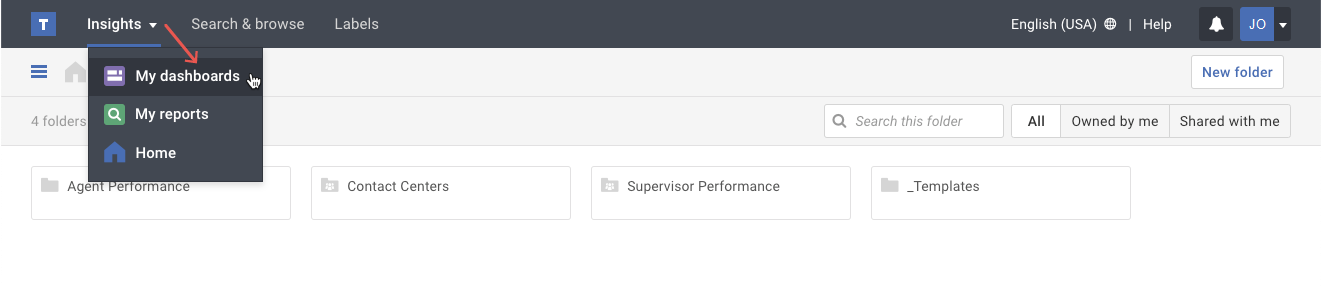
- Click on the My dashboards option in the Insights menu.
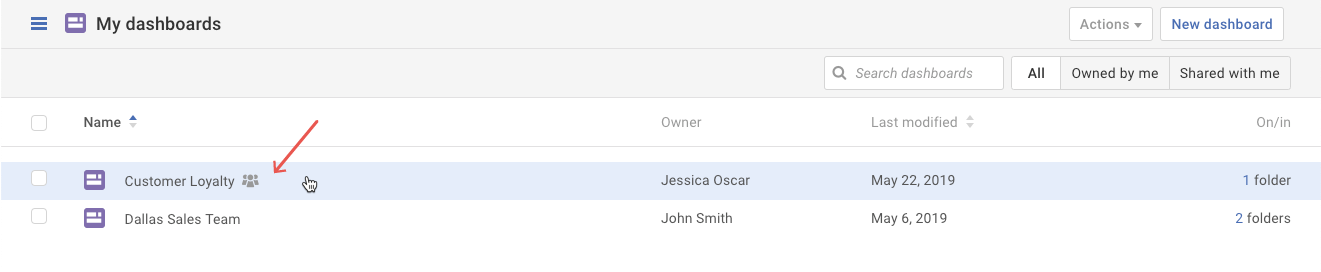
- Select the dashboard you want to rename.
- Click on the More actions ( ••• ) button. Select the Edit name & description option in the drop-down menu.
- In the pop-up, do the following:
a) Change the dashboard name,
b) If needed, update the dashboard description,
c) Click the Save button.Tip: If the dashboard is shared with others, they will also see the new dashboard name you saved.