Finding where a dashboard is
Overview:
Which folders display the dashboard?
Identify which dashboards a report is on:
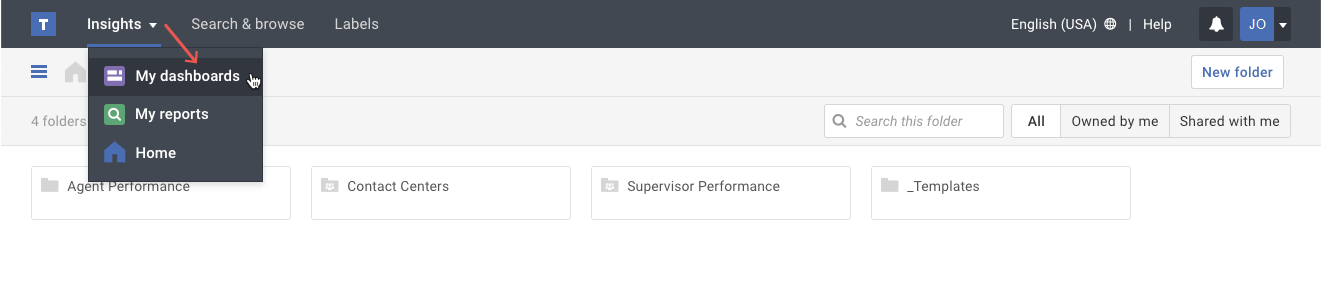
- Click on the My dashboards option in the Insights menu.
- Click on the numeric value in the On/In column.
Alternate method: If you are looking at the dashboard, select the In # Folders option of the More actions ( ••• ) button.
- A pop-up will appear with a list of your folders showing that dashboard. The pop-up may also indicate when the report appears on other dashboards that you do not have access to.
Tip: You may click on a folder name to go directly to that folder.