Sharing a dashboard
Overview:
Easily share a dashboard with others and set appropriate sharing permissions.
Share a dashboard:
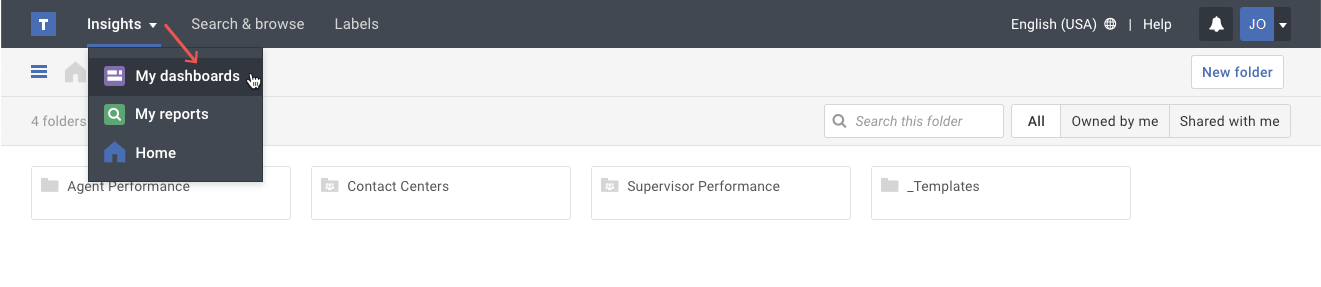
- Click on the My dashboards option in the Insights menu.
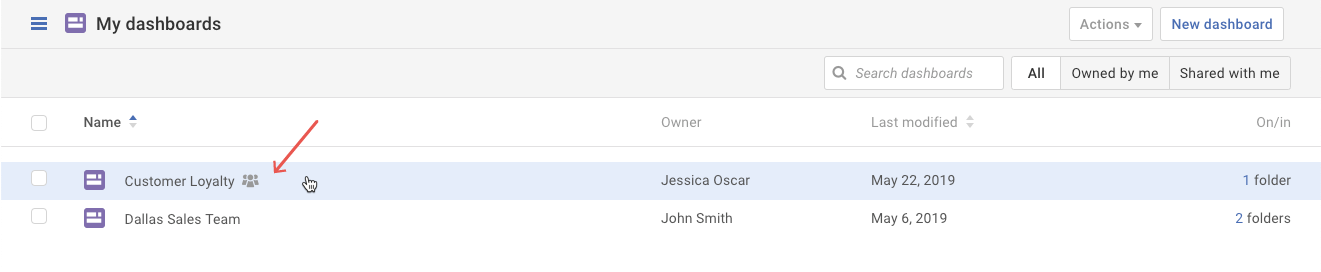
- Select the dashboard you want to share.
- Click on the Share button.
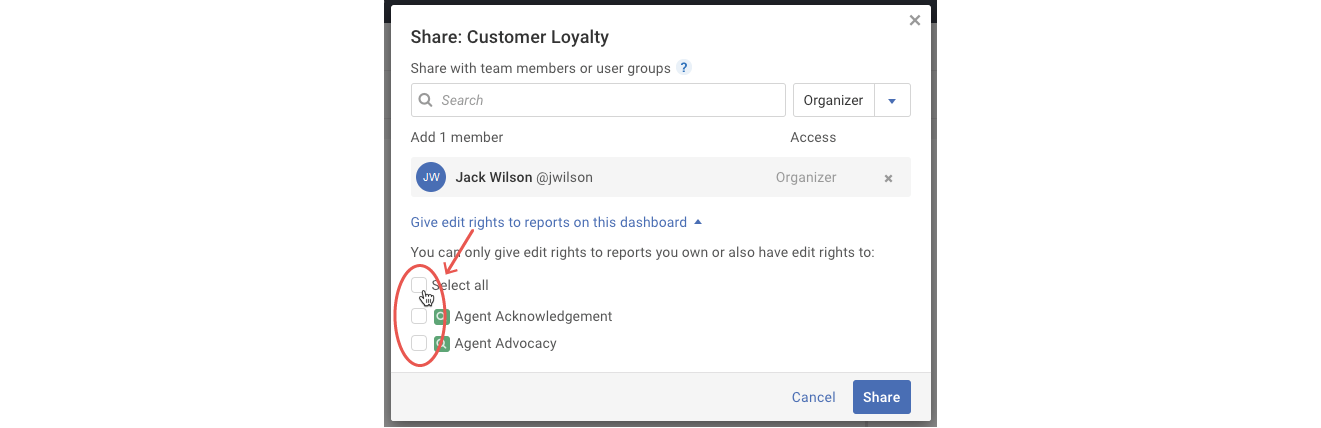
- Scroll or type the recipient’s name in the Search field. Select the recipient once you see their name in the results list.
- Optional: In the pop-up that appears, you may adjust the recipient’s permissions with the drop-down to the right of the Search field.
Important Note: The View only and Organizer permissions will apply to all recipients being added in this instance. Organizers can make changes to dashboards while view only recipients cannot. - Optional: If you'd like to give edit rights to reports on this dashboard, click the link. Then choose which report(s) to grant edit rights.
- Once you have selected all the recipients and permissions, click the Share button.