Making a copy of a report
Overview:
Make a copy of an existing report.
Make a copy of a report:
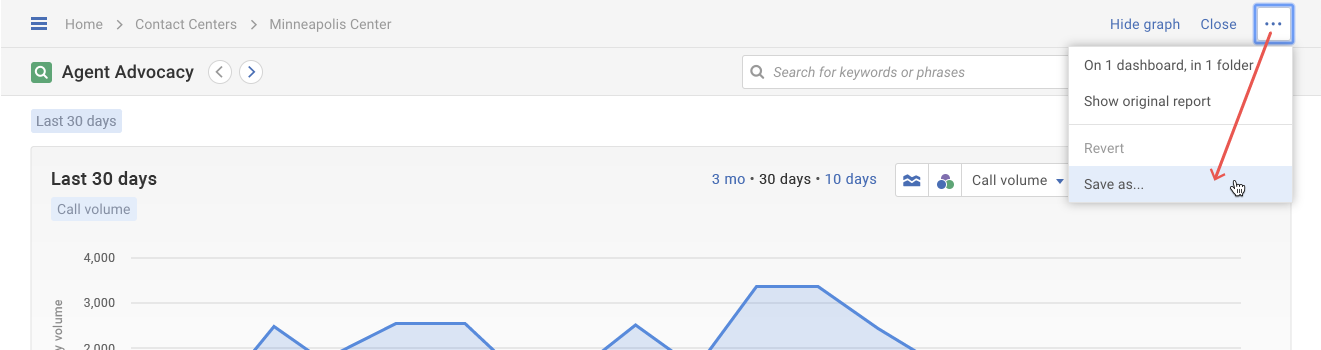
- Click on the More actions ( ••• ) button. Then select the Save as... option in the drop-down menu.
- A pop-up will appear with the report title outlined in blue. Manually update the report title and then click the Save button.