
Sorting the folder contents
Overview:
Easily sort dashboards and reports within your folders.
Getting started: If you're not already in a folder, first click on the Insights tab at the top right of the application.
Sort your folder contents:
Click on the up/down arrows beside either the Name or the Last modified column headers. Only one column may be sorted at a time.
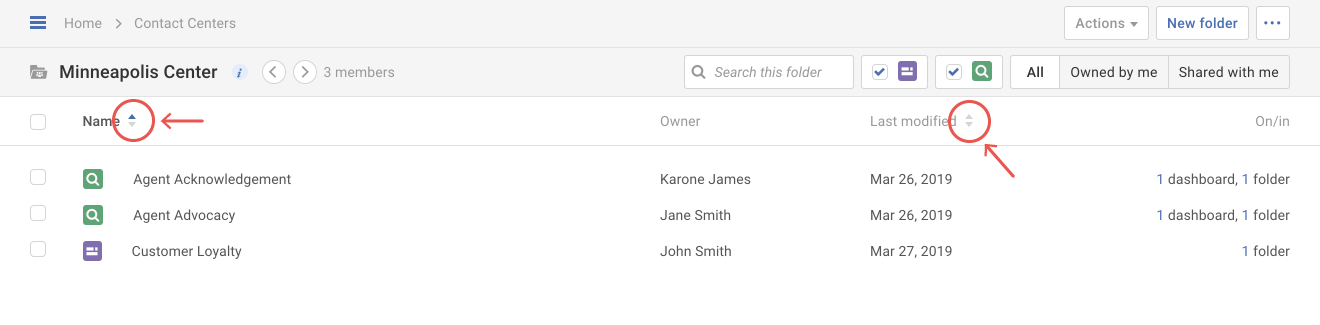
When the up arrow (
) is blue, that column is sorted in ascending order (e.g. A-Z, 0-9, oldest-newest).
When the down arrow (
) is blue, that column is sorted in descending order (e.g. Z-A, 9-0, newest-oldest).