Resizing reports on a dashboard
Overview:
Resize reports on your dashboard.
Resize reports on a dashboard:
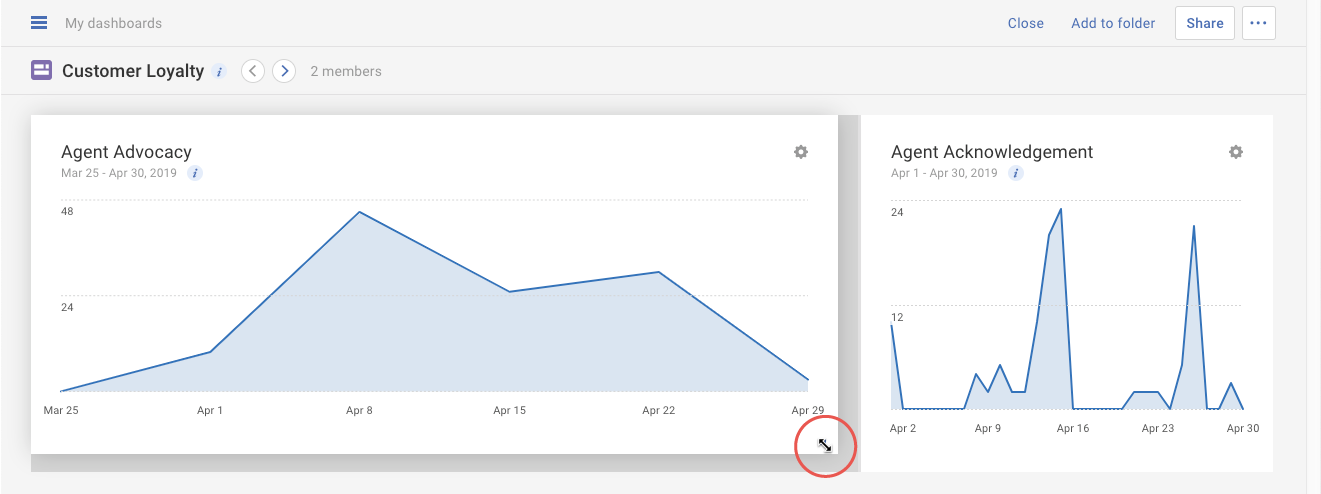
Click on the blue triangle in the lower right-hand corner of the report. Drag the corner of the report to manually resize it larger or smaller.
Tip: Resizing a report will automatically adjust the layout of the dashboard and move other reports around to fit. You may also rearrange your reports after resizing as needed.